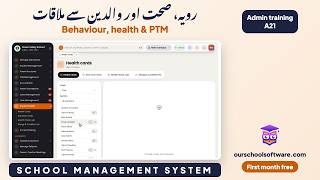
This video is 2 minutes long and shows study material and online classes on the real screens of the software, step by step, with Urdu and English captions. It is for principals, admins and office staff. Below are the same steps in writing, so you can follow along at your own pace or come back to a step later.
In this video
- Study material
- Online classes
- Joining
Step by step
1. Study material
- "Study Materials": notes, pictures and video lectures for each class and subject
- "Upload Study Material": title, subject, file type and the file; students see it in the app
2. Online classes
- "Online Classes": a class from home; "Add New Class"
- Set the time and a password; only that class's students can join
3. Joining
- Students press "Join" in the app; the teacher starts and closes the class; the school approves it
The names and numbers in the video are from a demo school and are made up.