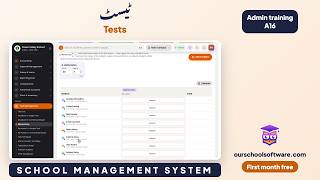
This video is 4 minutes long and shows exams part 2, after the exam on the real screens of the software, step by step, with Urdu and English captions. It is for principals, admins and office staff. Below are the same steps in writing, so you can follow along at your own pace or come back to a step later.
In this video
- Enter marks
- Tabulation
- Position holders
- Result cards
- Send results
- Exam analysis
Step by step
1. Enter marks
- "Marks Entry": choose the exam, class, section and subject
- Total and pass marks at the top; type each child's marks (Enter goes to the next child)
- Type "A" for an absent child. Then "Save marks"
- Teachers enter their own subject's marks from the app or the web
2. Tabulation
- "Tabulation Sheet": the whole class's subjects, totals, %, grade and position
- "Editable": correct a mark right here
3. Position holders
- "Position Holders": first, second and third of each class
4. Result cards
- "Print Marksheets": one exam or the final (annual) result, in your own design
- Remarks: in "Remarks For Single Exam", per child; they print on the result card
5. Send results
- "Send Marks Via SMS / WhatsApp": each child's marks to the parents
- Parents also see the full result card in the app
6. Exam analysis
- "Exam Analysis": which subject is weak, whose result fell, compared with an earlier exam
The names and numbers in the video are from a demo school and are made up.