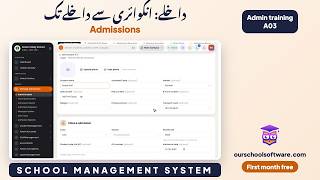
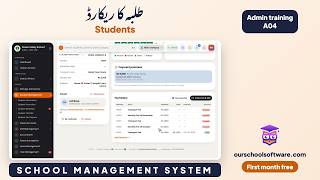
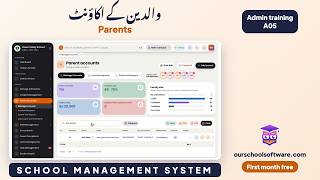
This video is 3 minutes long and shows first setup of your school on the real screens of the software, step by step, with Urdu and English captions. It is for principals, admins and office staff. Below are the same steps in writing, so you can follow along at your own pace or come back to a step later.
In this video
- School details & session
- Classes
- Sections
- Subjects & teachers
Step by step
1. Overview
- Set up a new school in this order: school details, session, classes, sections, subjects
2. School details & session
- Settings › General: school name, logo, address, phone, country and the running session
- The logo and principal's signature are here too: they print on vouchers, result cards and every print
3. Classes
- Classes & Sections › Manage Classes: how many students each class has, at a glance
- "Add class": name, order number, monthly fee and class teacher
- The order number keeps classes in order in every list. A new class gets section "A" by itself
4. Sections
- The Sections tab: each class's sections, their class teacher and students
- A second section: "Add section", choose the class, name "B", and a nick name like "Blue" if you like
- Each section's WhatsApp group can be made in one click too
5. Subjects & teachers
- "Subjects": each class's subjects and their teachers
- "No teacher" at the top: how many subjects have no teacher yet (click it to see only those)
- "Add subject": the subject name, the section (or all sections) and the teacher
- "All sections" adds the subject to every section; choose one section to pick its teacher
- With "Show in exams/tests" on, this subject appears on mark sheets and results
- A teacher sees only their own subjects and classes: attendance, marks and diary for those only
6. What next
- Next: add staff, set up fees and admit students (the next videos)
The names and numbers in the video are from a demo school and are made up.